Form 2B NHSC SP Awardees - Post Graduate Training Verification
The National Health Service Corps Scholarship Program, Students to Service Loan Repayment Program, and the Native Hawaiian Health Scholarship Program
0915 0146 -PGT User Guide
NHSC SP Awardees Schools – Post Graduate Training Verification Form
OMB: 0915-0146
Bureau of Health Workforce OMB Number: 0915-0146
Postgraduate Training Request Participant User Guide Expiration Date: xx/xx/xxxx
Postgraduate Training Request Participant User Guide
2025
Public Burden Statement: The purpose of this information collection is to obtain information through the NHSC SP and the NHSC S2S LRP, that is used to assess an applicant’s eligibility, qualifications as well as monitor program participants’ enrollment in school, postgraduate training, and compliance with program requirements. An agency may not conduct or sponsor, and a person is not required to respond to, a collection of information unless it displays a currently valid OMB control number. The OMB control number for this information collection is 0915-0146 and it is valid until xx/xx/xxxx. This information collection is mandatory (Sections 338A-H of the Public Health Service Act [42 USC 254l-q], as amended). The information is protected by the Privacy Act, but it may be disclosed outside the U.S. Department of Health and Human Services, as permitted by the Privacy Act and Freedom of Information Act, to Congress, the National Archives, and the Government Accountability Office, and pursuant to court order and various routine uses as described in the System of Record Notice 09-15-0037. Public reporting burden for this collection of information is estimated to average xx hours per response, including the time for reviewing instructions, searching existing data sources, and completing and reviewing the collection of information. Send comments regarding this burden estimate or any other aspect of this collection of information, including suggestions for reducing this burden, to Health Resources and Services Administration Reports Clearance Officer, 5600 Fishers Lane, Room 14NWH04, Rockville, Maryland, 20857.
Contents
Postgraduate Training Request Participant User Guide 4
Postgraduate Training Request Purpose 4
Postgraduate Training Request Eligibility 4
Part 2 | Postgraduate Training Request Submission 4
Navigating to the Training Request 4
Part 3 | Postgraduate Training Request Review 15
Tracking Postgraduate Training Request Status 15
Postgraduate Training Request Returned for Corrections and/or Additional Documentation 15
Postgraduate Training Request Decision 16
Postgraduate Training Request Cancellation/Withdrawal 17
Part 1 | Introduction
Postgraduate Training Request Participant User Guide
The Postgraduate Training Request participant user guide serves as the main reference to answer any questions participants may have regarding the new Postgraduate Training Request process.
Postgraduate Training Request Purpose
Postgraduate Training Request is a new modernized process that allows participants to apply for the postgraduate training. Eligible participants will receive the Training Request link via the Portal in the Activities section on the date listed in the Postgraduate Training Bulletin.
Important to Know: Participants no longer have the ability to initiate the postgraduate training request. All postgraduate training requests are now system-initiated to eligible participants on a set date. Completion of the postgraduate training request, if received via the Portal, is mandatory for all eligible participants regardless of deferment plans. Participants are able to submit the training request indicating no potential deferment.
Postgraduate Training Request Eligibility
If you are a participant in the following program, discipline, and year in school or training, you are required to submit the Postgraduate Training Request by the due date listed in the NHSC Application and Program Guidance and Postgraduate Training information Bulletin for your program:
Eligible Program(s): NHSC SP, NHSC S2S LRP, NC SP
Eligible Discipline(s): MD/DO in last year of medical school, residency or fellowship; DMD/DDS in last year of school or training; and NP/PA/CNM in last year of school
Part 2 | Postgraduate Training Request Submission
Navigating to the Training Request
Steps
Log in to the BHW Program Portal
You may navigate to the Training Request from two locations within the Portal:
Click on the “Initial Training Request” hyperlink in the “Activity Type” column of “Activities” table OR

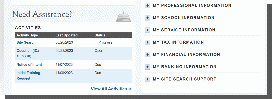
Navigate to the “My Activities” page > Click on Verifications section:
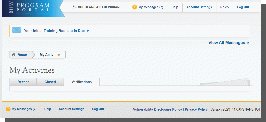
New “My Activities” page will open in the browser. Select “Postgraduate Training” in the “Activity Type” column of “Open Activities” table to access the Training Request:

Once you click on the hyperlink, you will land on the Training Request application page which contains the following sections:
Overview
Program Information
Documents
Review and Submit
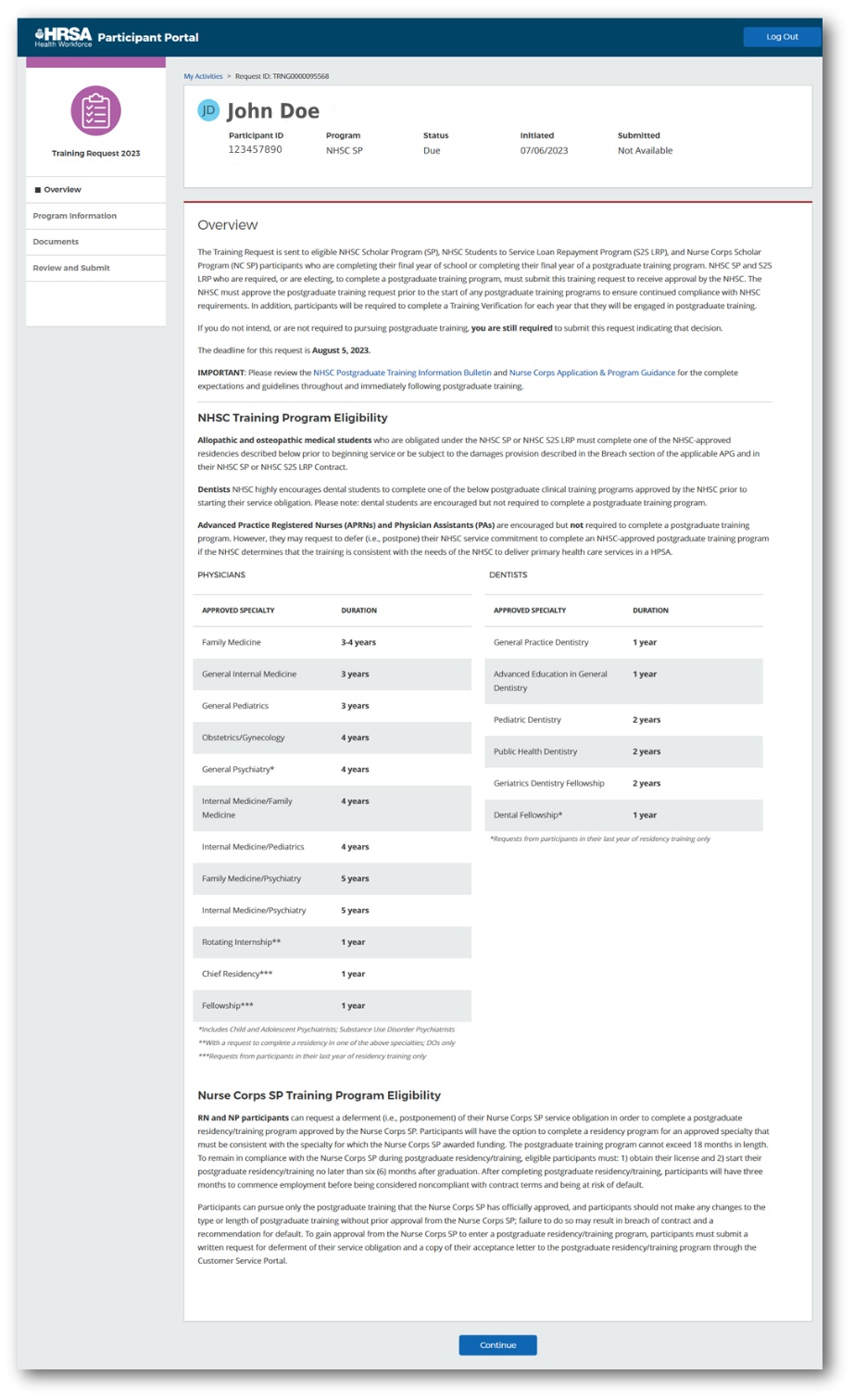
Overview Page
The Overview page gives participants a detailed summary on the purpose of the Postgraduate Training Request. The page also provides general information on the postgraduate training, training program eligibility, and request submission deadline. It also contains links to the latest NHSC Postgraduate Training Information Bulletin and Nurse Corps Application & Program Guidance.
Steps
Participants will land on the Overview page by clicking on the hyperlink in the “Activity Type” column.
Program Information Page
The Program Information page allows participants to provide information on the deferment plans, indicate training program, search for the training program or manually enter the training program if not found via search. Participants are required to respond to the question on this page to confirm intent to defer.
Steps
To proceed to the Program Information page, click on “Continue” button on Overview page.
For the question in Program Information section, click on the radio buttons to respond “Yes” or “No”
If participant selects “Yes”, Training Program Details section will appear.
If participant selects “No”, no further sections will appear on this page. Participant will be able to click on “Save and Continue” button at the bottom of the page and submit the training request without uploading documents or providing any further information.

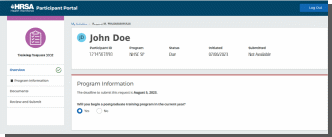
Training Program Details section will appear where participant will be able to select the following attributes:
Training Type: The Training Type dropdown displays the training program type:
Internship
Residency
Fellowship
Chief Residency
Start Date: Participant can select the training program start date from calendar.
End Date: Participant can select the training program end date from the calendar.
IMPORTANT TO KNOW: Select the training start and end dates for the entire training program, not the end date of the first training year.
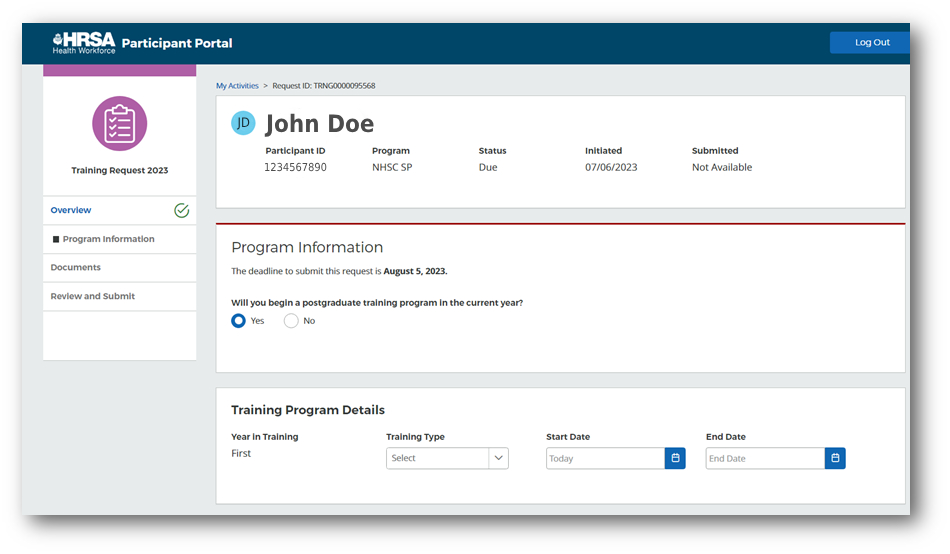
Once all fields in the Training Program Details section have been populated, Training Program Search functionality will appear on the page where the participant is able to search for the training program by the program name or program ID.
Search By Program Name:
Participant is able to search for the training program by the training program name by selecting “Program Name” in the Search By dropdown. Once “Program Name” is selected, “Search” field is displayed where user is able to type the name of the training program and instantly get search results back while typing.

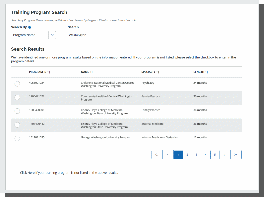
Search By Program ID:
Participant is able to search for the training program by the training program ID by selecting “Program ID” in the Search By dropdown. Once “Program ID” is selected, “Search” field is displayed where user is able to type the unique training program ID and click on “Search” button to view results in the Search Results table. This option will return an exact match for the value provided in the “Search” field.
IMPORTANT TO KNOW: The Program ID is the unique training program ID assigned by the accreditation agency (ACGME, CODA, ACEN, CCNE, etc.).

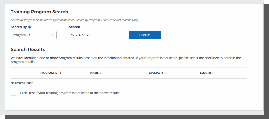
Once the training program is selected from the “Search Results” table, populate fields in the Training Program Director Details to proceed to the next page of the request. All fields are mandatory for completion unless noted as optional.

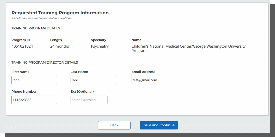

If training program is not displayed in the Search Results table, click on “Click here if your training program is not listed in the above results” checkbox to manually enter requested training program.
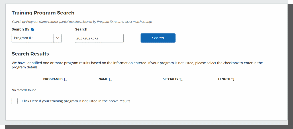
Once checkbox is clicked, Requested Training Program Information section will be displayed with the following fields:
Program ID: The Program ID column reflects the unique training program ID assigned by the accreditation agency (ACGME, CODA, ACEN, CCNE, etc.). If training program you are applying for does not possess such attribute, please enter 0000000000.
Name: The Name column reflects the training program name.
Specialty: The Specialty column reflects the training program specialty.
Length: The Length column reflects the length of the training program entered in months.
First Name: The First Name column reflects the first name of the training program director.
Last Name: The Last Name column reflects the last name of the training program director.
Email Address: The Email Address column reflects the email address of the training program director.
Phone Number: The Phone Number column reflects the phone number of the training program director.
Ext (Optional): The Extension column reflects the phone number extension for the training program director. This field is optional for completion.
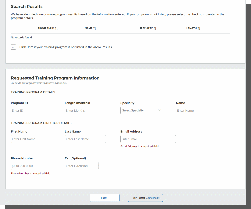
After completing all required fields on the Program Information page, navigate to the next section of the request by clicking the “Save and Continue” button at the bottom of the page. The button will be disabled until all mandatory fields are populated.
Documents Page
On the Documents page, participants can upload any supporting documents as needed. Any required documents associated with the training request will be noted as such in this section.
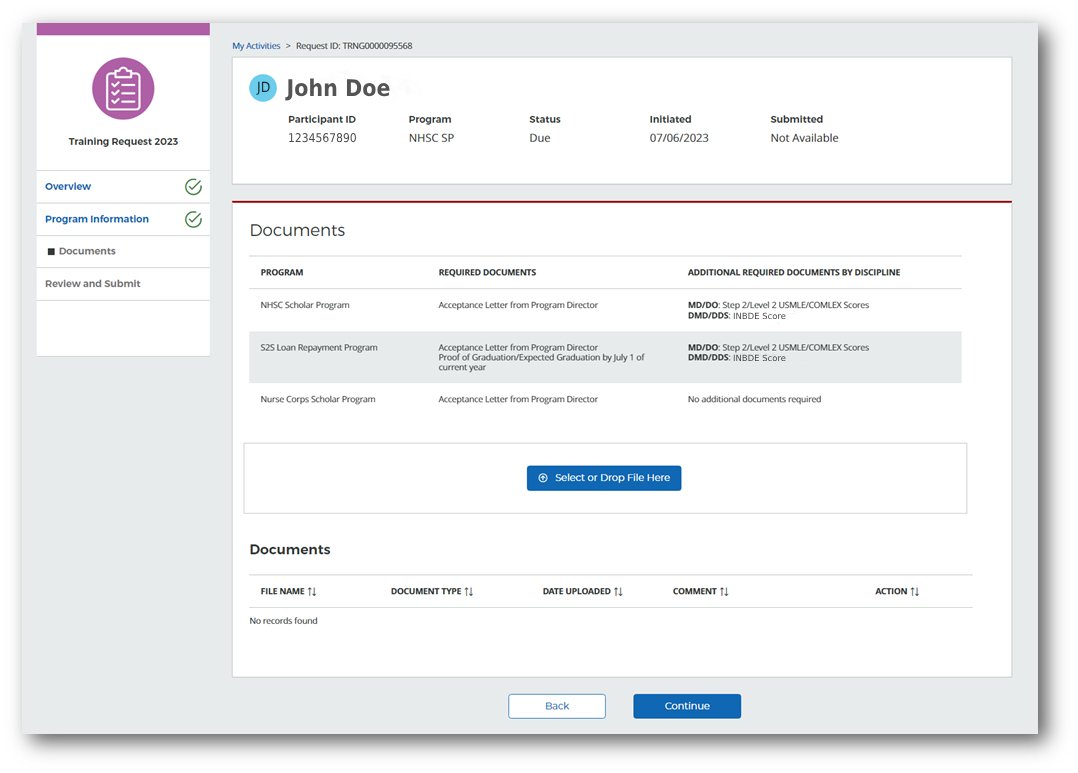
Steps
Navigate to the Documents page by clicking on “Save and Continue” from the Program Information page.
Upload a document by either selecting the file or dragging and dropping the file onto the page.
Select the document type (one per document).
Enter a comment in the text field (optional).
Click the “Upload” button.
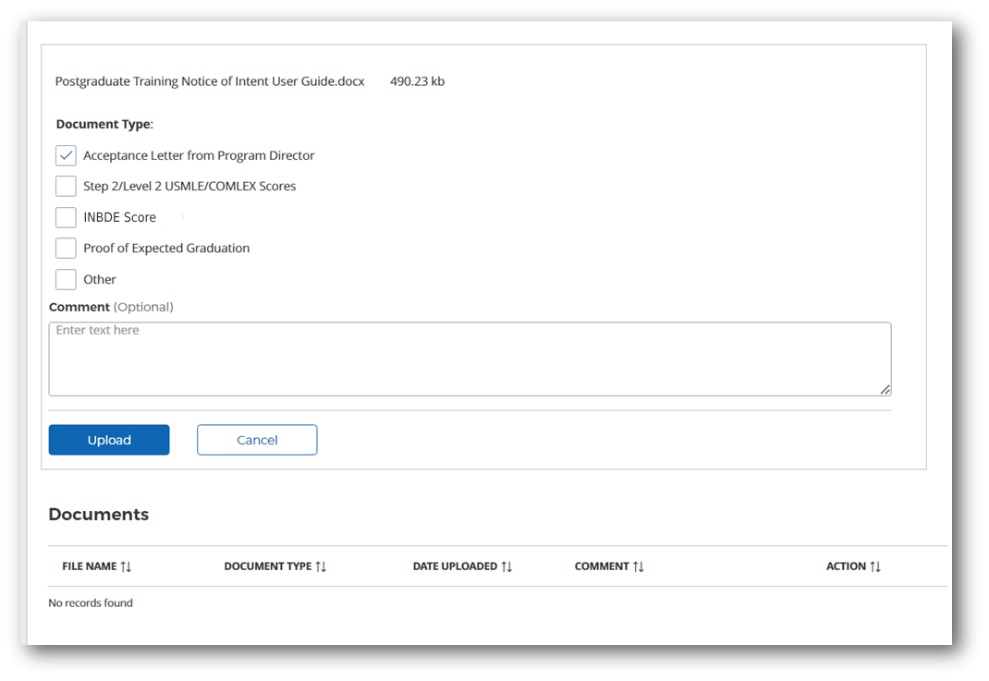
To cancel a document upload, click the “Cancel” button.
To view an uploaded document, click on the “File Name” from the documents table.
To delete an uploaded document, click the “Remove” button in the Action column of the Documents table.
Click “Continue” to proceed to the next page of the process.

Review and Submit Page
The Review and Submit page allows participants to review responses provided in the previous sections of the postgraduate training request application prior to submitting the request.
Steps
Navigate to the Review and Submit page by clicking on “Continue” from the Documents page or by using the left navigation menu.
Review the previously entered information on the page to ensure accuracy prior to submitting. You may return to the respective sections of the request if any updates are needed. Please review your application carefully prior submission. If reviewer identifies a discrepancy with your application, it will be returned to you for edits and resubmission.
Click on the checkbox in the Electronic Signature card and enter the portal password. This action enables the “Submit” button.
To submit the completed training request, click the “Submit” button located at the bottom of the page.
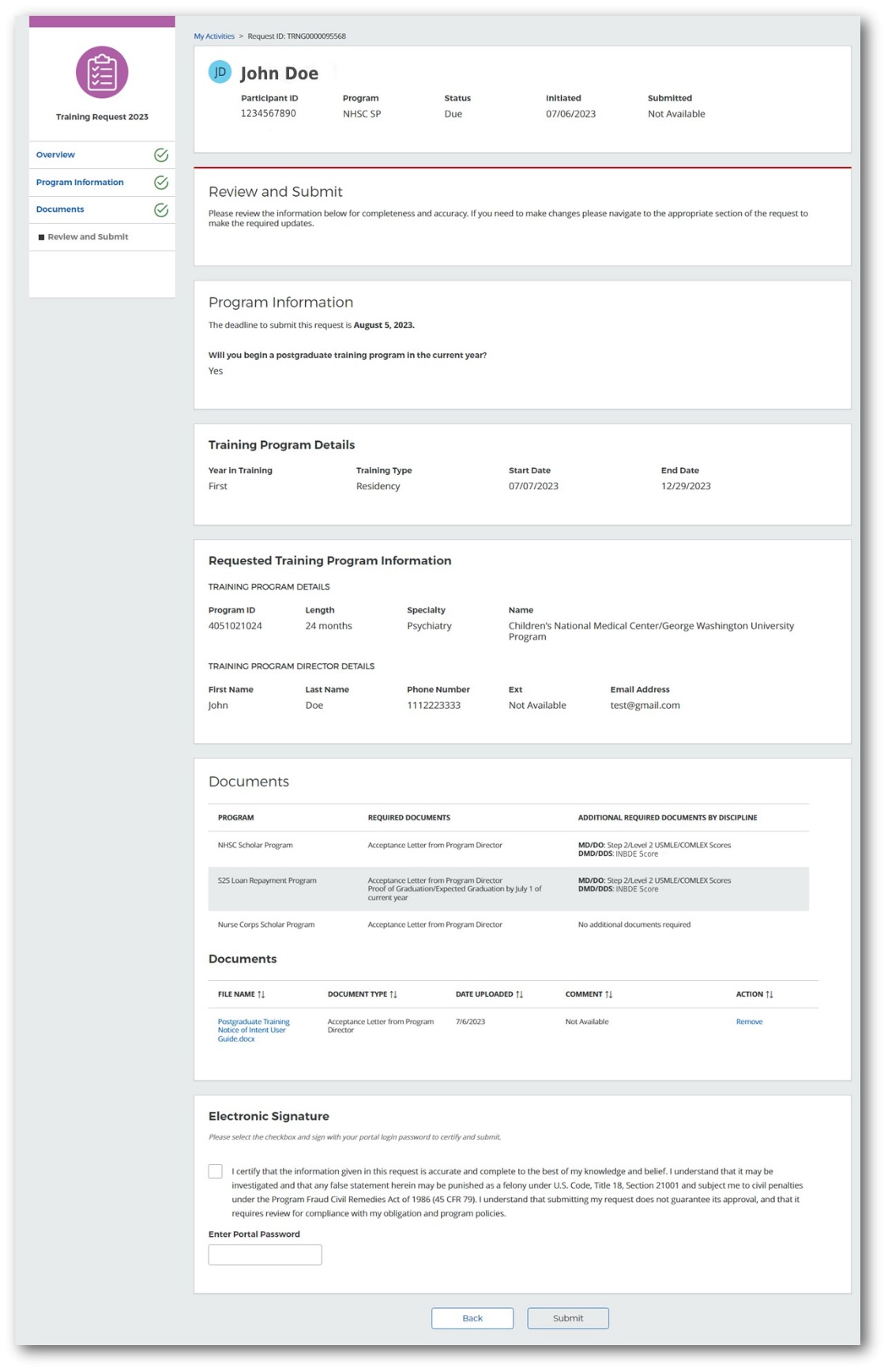
Important to Know: If the required fields on the Program Information page have no responses prior to navigating to this page, the “Submit” button will be disabled and the page will display a warning message that required fields are missing.
Part 3 | Postgraduate Training Request Review
Tracking Postgraduate Training Request Status
Once you have submitted the Postgraduate Training Request, your application will go under review by the program. You can track the status of the application on “My Activities” page. The status for the request will show as “Under Review”.


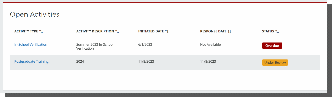
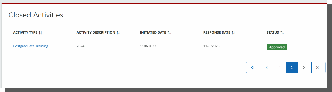
Once decision is made by the program, the status will change to either “Approved” or “Denied”. The Postgraduate Training request will be displayed in the Closed Activities table.

Postgraduate Training Request Returned for Corrections and/or Additional Documentation
Program may return the training request for corrections if any discrepancies are identified during the review process. Participant must resubmit the request by the new due date. Participant will receive a portal message/email if the request is returned for corrections. The status for the request will show as “Returned to Participant”.


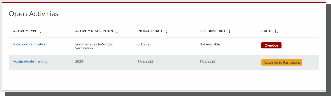
Postgraduate Training Request Decision
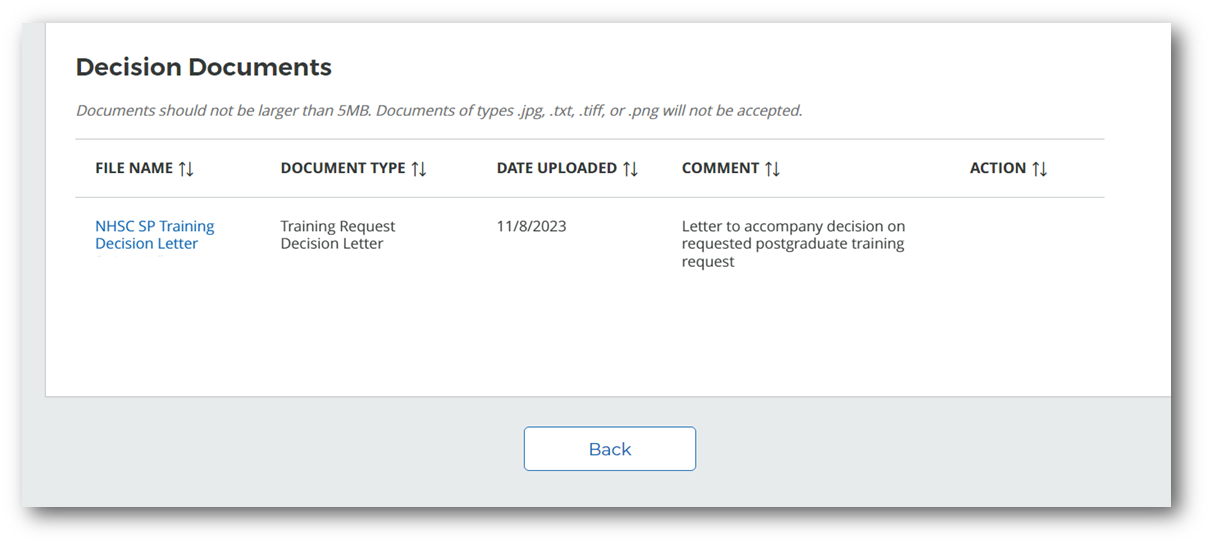
Once program reviews your postgraduate training request and makes a decision, participant will receive communication from the program in form of a portal message/email and official decision letter.
To access the decision letter, navigate to the “Decision Documents” table on the “Review and Submit” page of submitted Postgraduate Training Request which will be located in Closed Activities table on “My Activities” page.

Postgraduate Training Request Cancellation/Withdrawal
Participant may cancel submitted Postgraduate Training Request at any time if deferment plans change. To cancel newly submitted training request or withdraw an approved request, contact the program immediately by submitting an inquiry through the Customer Service Portal via the Ask a Question option on your portal home page. Please state your request to cancel the Postgraduate Training Request with the reason so that the program is notified of your decision.
PROPERTY OF HRSA | BHW
| File Type | application/vnd.openxmlformats-officedocument.wordprocessingml.document |
| File Title | Site Point of Contact User Guide |
| Subject | Site POC Portal Guidelines to Functionality |
| Author | HRSA@publicisgroupe.onmicrosoft.com |
| File Modified | 0000-00-00 |
| File Created | 2025-12-17 |
© 2026 OMB.report | Privacy Policy